




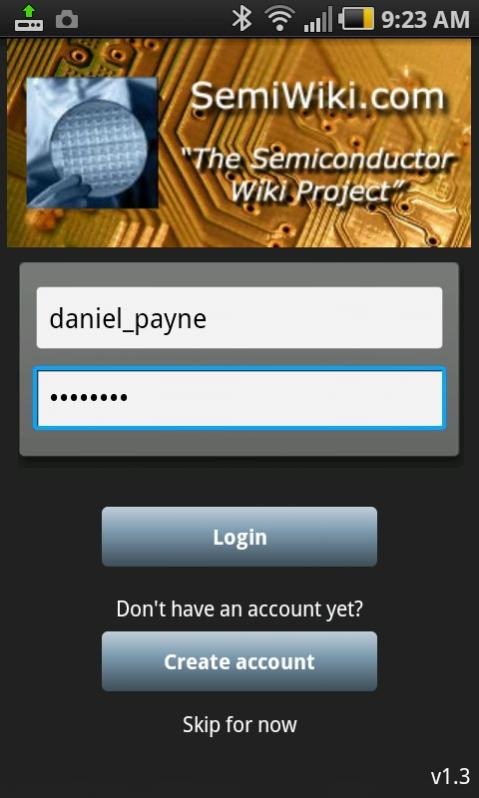
This morning I got to try out the new Android app for SemiWiki, so this is something that you will benefit from as you’re on the go with an Android phone and want to stay up to date. It’s an intuitive app, so you’ll be up and running within minutes. My first step was to visit the Play Store, search for the app using “Semiwiki”, install it and login:
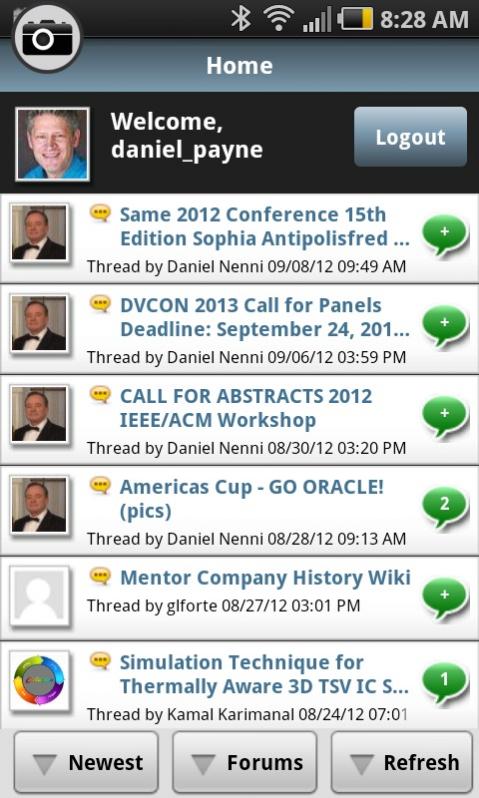
I prefer to sort by Newest, Articles:

To read an Article, click the link for the Article title:
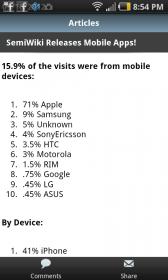
You get to see the article images along with the text and hyperlinks. Read comments by clicking the Cloud icon at the bottom:

Forums can be sorted instead of Articles back at the Home for the SemiWiki app:
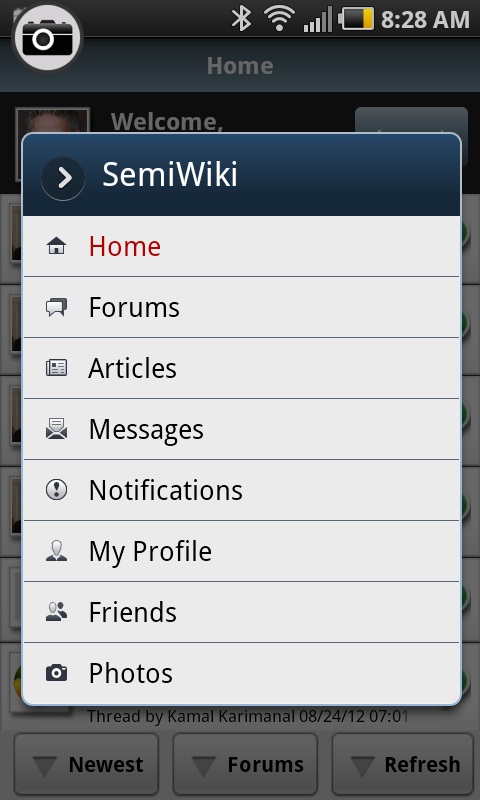
Click the Android menu button to see the eight menu choices:
Navigating to the Forums shows all the category names, number of threads and replies:
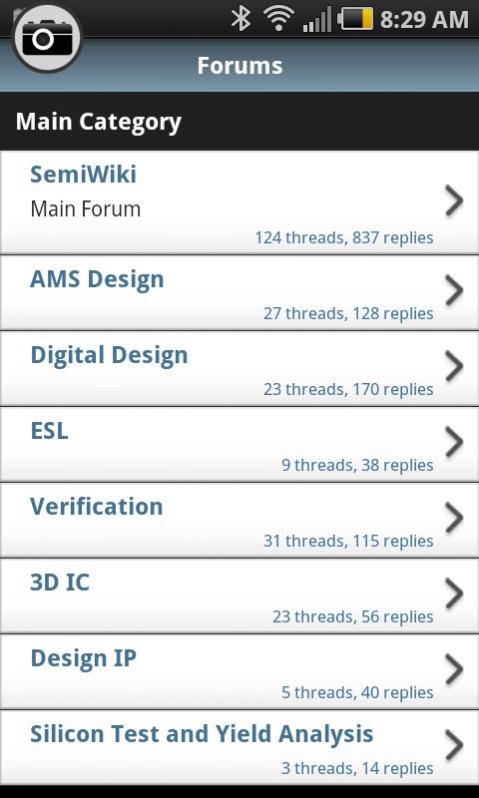
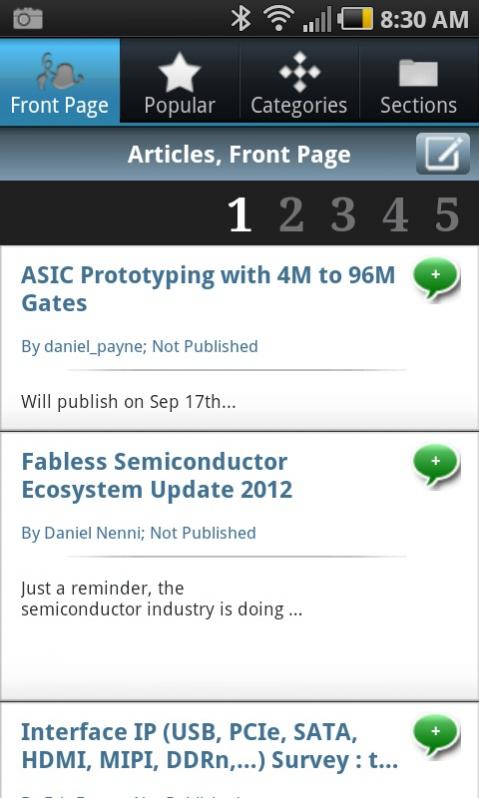
You can view the articles on the front page of SemiWiki by clicking: Menu> Articles
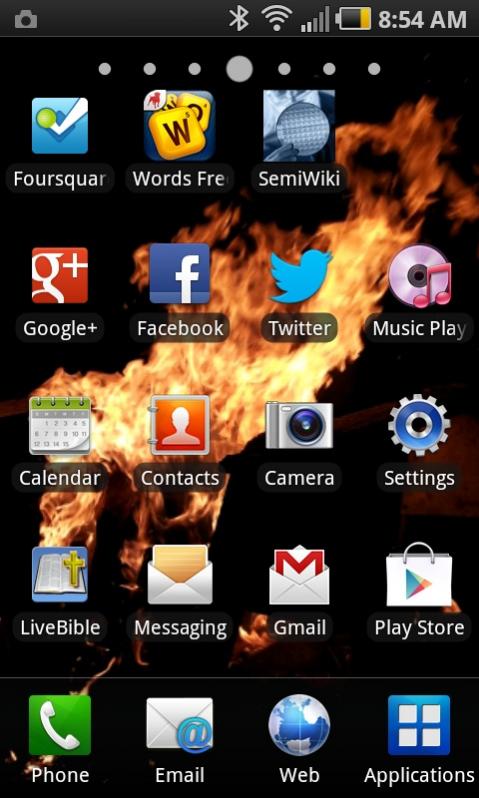
I liked the App so much that I added a shortcut on my phone:
Summary
If you use an Android phone then give this new SemiWiki app a try, it’s free and works well. Compared to using a mobile web browser this app will save you time by:
- Using fewer clicks
- No pinch-to-zoom
- No double-tapping
- No horizontal scrolling
Also see: SemiWiki relases Moble Apps!



The Data Crisis is Unfolding – Are We Ready?